Automate any process, anywhere. Connect web services, desktop applications, remote systems, cloud platforms, and AI — and orchestrate them as a single, reliable workflow.
Many workflow platforms handle HTTP calls and simple integrations well. But real enterprise automation requires reaching into legacy desktop applications, executing operations on remote servers, querying databases, coordinating across cloud platforms, and making AI-powered routing decisions — often within a single process.
Kiwi Flow is built for that reality. One platform covers every automation scenario your organisation already has — web services, thick-client applications, cloud storage, messaging, and AI — without forcing you to stitch together a different tool for each category.
Workflows run on a distributed worker architecture that scales horizontally. Adding capacity means adding worker nodes, not rearchitecting the platform.
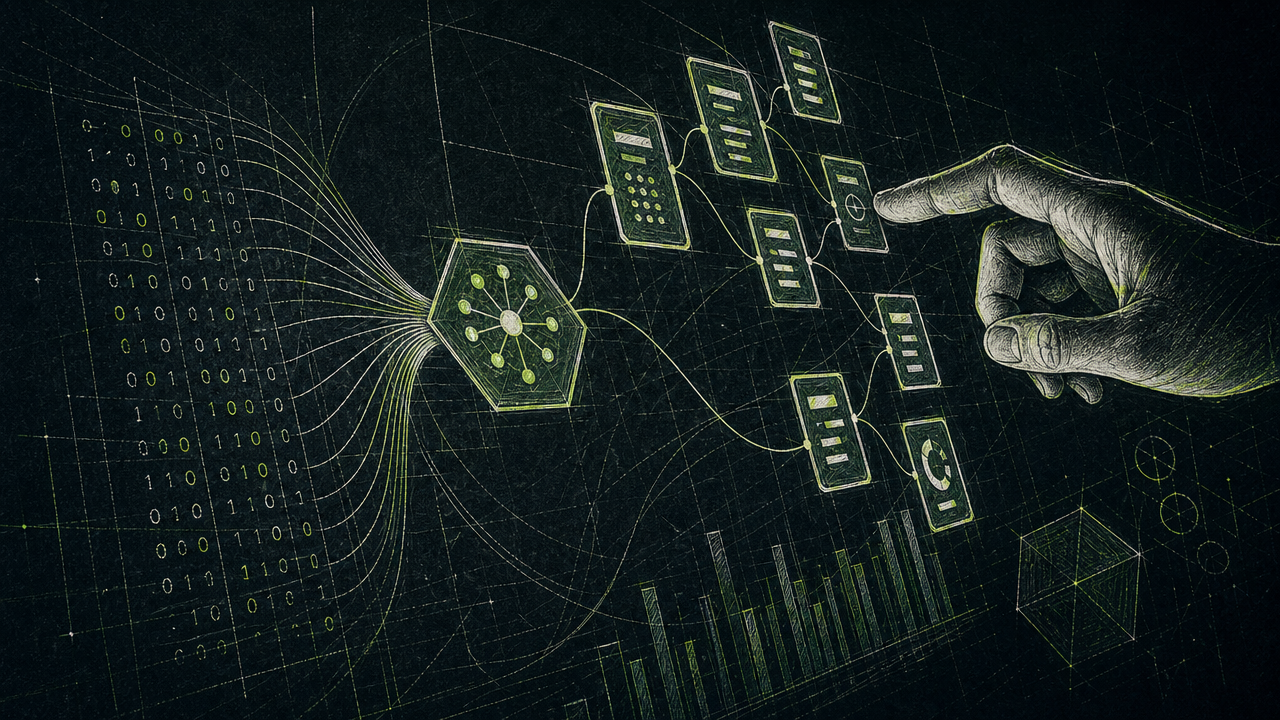
From cloud APIs to legacy desktops — if your enterprise touches it, Kiwi Flow can automate it.
Connect to any web service or REST API. Chain responses, map data between steps, handle authentication, and route based on what the service returns — no custom code required for standard integrations.
Automate SAP GUI, Oracle Forms, and any Windows thick-client application that can't be reached via API. Existing automation scripts work as-is — no rewrite required. A dedicated Windows worker handles execution transparently.
Interact with web portals, customer-facing applications, and browser-based tools as a real user would — filling forms, clicking buttons, extracting data, and capturing screenshots as evidence of execution.
Run commands on remote servers, transfer files, restart services, and manage directories — over standard SSH. No agent installation required on target machines. Connection pooling handles multi-step sequences efficiently.
Azure, AWS, and GCP integrations are built-in — not third-party connectors. Move files to Blob or S3, send messages via Service Bus or SQS, publish to Pub/Sub, and retrieve secrets from Key Vault or Secrets Manager, all within a single workflow.
Use a large language model as a decision-maker within your workflow — classify documents, assess risk, extract structured data from unstructured content, or route execution based on AI judgement. Supports Anthropic, OpenAI, Azure OpenAI, and Ollama.
Kiwi Flow includes a built-in AI authoring capability. Describe what your automation should do in plain language — the platform generates a complete, ready-to-run workflow from your description. You can then refine it visually, run it, or ask for further modifications using the same conversational interface.
This works for new workflows and for extending existing ones. Select a portion of a workflow on the canvas and prompt to modify just that section — "add retry logic to the API calls" or "run the credit and fraud checks in parallel" — without rebuilding from scratch.
Every AI-generated workflow is audited — what was prompted, which provider and model was used, what changed, and how many attempts it took. That history travels with the workflow, not the author.
Describe the end-to-end process and get a complete workflow — steps, branching logic, data mappings, and error handling included.
Select specific steps on the canvas and ask the AI to modify just that portion — without touching the rest of the workflow.
Use your organisation's own AI provider subscription. LLM usage costs flow through your account, not the platform — full cost transparency and control.
A complete, append-only record of every AI-assisted change — what was asked, what was generated, and what changed — stored with the workflow.
The Workflow Studio is a browser-based visual designer. Workflows are built by connecting activity blocks on a canvas — no scripting required for the vast majority of automation scenarios. Configuration happens through structured property panels, not by editing code.
The designer enforces correctness as you work. Loops must have an exit condition before they can be drawn. Parallel branches stay separate at the canvas level, preventing accidental cross-wiring. Required fields are flagged before a workflow can be saved.
When a workflow runs, execution flows back to the designer in real time — watching which step is active, which branch was taken, and the result of each step as it completes.
Drag, drop, and connect workflow steps on an infinite canvas with full pan and zoom
Searchable, categorised palette — drag any activity type onto the canvas to add it
Each step is configured through a structured panel — inputs, outputs, conditions, and error handling
Map outputs from one step to inputs of the next — structured picker, no manual path typing
Logic errors are caught at design time — before deployment, not during a production run
Watch execution progress in real time — active steps, branching decisions, and step results as they happen
Particularly for enterprises that have outgrown simple tools but can't justify enterprise RPA pricing.
If your organisation has already invested in desktop automation scripts — for SAP, Oracle, or other legacy applications — those scripts work inside Kiwi Flow without modification. The platform adds orchestration, monitoring, scheduling, and AI-driven routing on top of what you already have, rather than asking you to start over.
Enterprise RPA platforms charge per robot, per process, and per feature — costs that compound quickly at scale. Kiwi Flow is priced for organisations that need enterprise capability without enterprise licensing complexity. Cloud tiers scale with your usage; self-hosted licensing is fixed and predictable.
Azure, AWS, and GCP integrations are built into the platform — not third-party add-ons that require separate licensing or version management. Storage, messaging, queues, and secrets management across all three major cloud providers are available from day one.
Deploy on your own infrastructure — on-premise, private cloud, or your existing cloud accounts — or use the managed cloud offering on AWS, Azure, or GCP. Self-hosted deployments use your own AI provider subscription for vibe coding, keeping sensitive workflows and data within your own environment.
Kiwi Flow is in active Alpha. If your automation backlog includes legacy desktop applications, multi-system processes, or scenarios that require AI-driven decisions, we'd like to understand your use case.
Request Alpha Access Share Your Use Case